
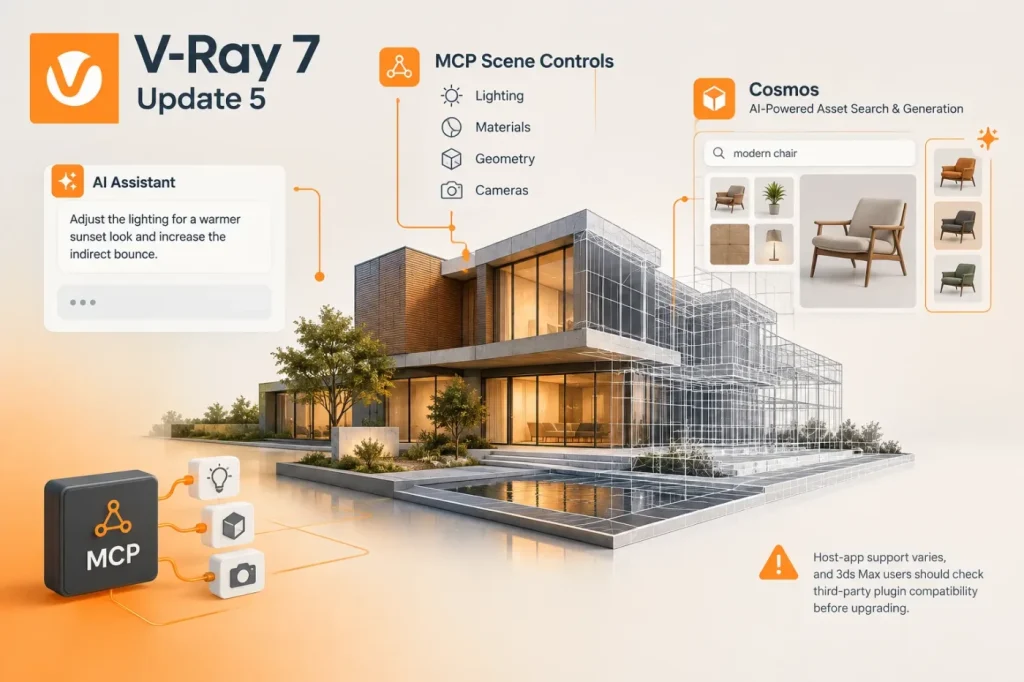

V-Ray 7, Update 5 adds an in-product AI assistant, MCP connections for supported scene operations, and AI asset tools in Chaos Cosmos. The practical shift is from asking an assistant for general advice to letting compatible agents inspect a scene and carry out specific supported actions—but availability depends on the host application.
AI assistance moves into the scene workflow
The built-in assistant offers context-aware guidance, reference-image lighting suggestions through Sky Match, Cosmos asset recommendations and render feedback. Cosmos also adds image-based asset search and the ability to generate a 3D model from a reference image. Chaos presents these features as ways to reduce manual work; the announcement does not provide performance benchmarks, so the time savings remain a vendor claim rather than a measured result.
The more consequential change, in my view, is Model Context Protocol (MCP) support. Compatible agents can inspect scenes and adjust supported settings or help find and place assets. Chaos says its V-Ray MCP is available for SketchUp and Rhino; 3ds Max users can connect through third-party MCP servers, while a Vantage server is still forthcoming. Supported operations vary by host application, so studios should confirm which operations their particular host and MCP setup actually exposes before planning a repeatable workflow.
I would start with a copy of a non-production scene, ask the agent to make one bounded change—such as adjusting a supported light or finding an asset—and compare the resulting scene settings with the request. This is a practical check, not a claim that MCP changes are inherently unreliable: it helps teams establish what the agent can change and how easily those edits can be reviewed or reversed.
Check compatibility before upgrading
Update 5 also brings rendering and visualization changes, including cylindrical lighting, spotlight improvements, volumetric tools, Gaussian Splat relighting in Vantage and crowd pathfinding in Anima. Chaos lists AMD GPU rendering support through HIP for V-Ray integrations, with exact availability depending on the host application.
For 3ds Max users, the release announcement flags a concrete upgrade constraint: API changes require compatible third-party plugin updates, and older plugin versions may crash. Check plugin vendors’ compatibility information before updating shared production machines. That deployment check is at least as important as testing the new AI features: a faster asset or lighting workflow is of little use if an essential scene plugin has not caught up.
The strongest early use case is a narrow, inspectable task; broader automation should wait until a team has confirmed its host-specific capabilities and plugin readiness.